A Authortorium Lite Download
Authortorium Lite · v1.0 · macOS, Windows & Linux

A quiet place to write your book — and keep it yours.

Authortorium Lite is a free desktop app for authors who just want to draft, format, and export a real book. No account, no cloud, no AI, no subscription — everything runs locally and stays on your machine.

macOS, Windows & Linux · single-user, offline · nothing leaves your computer
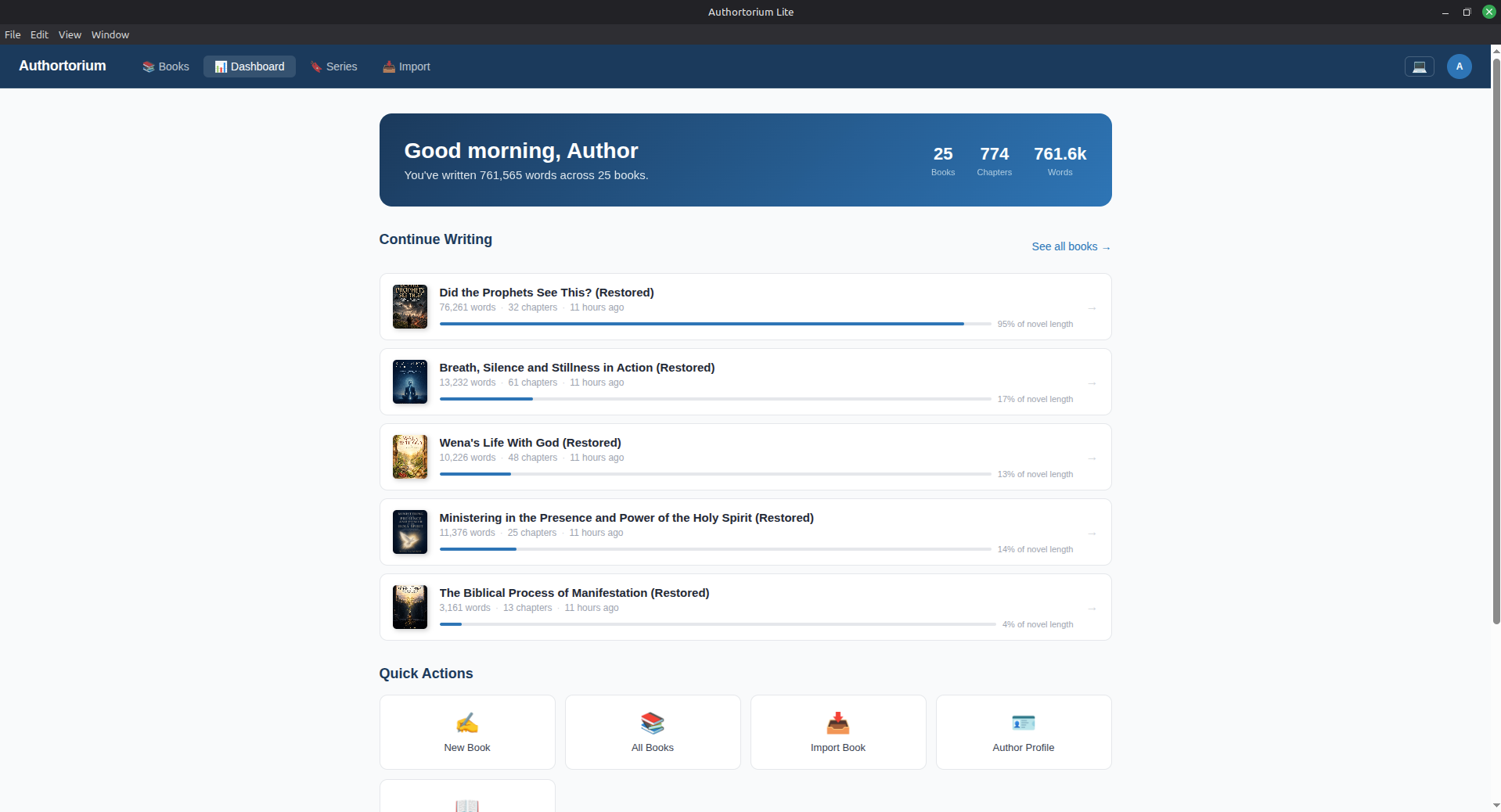
Authortorium Lite dashboard showing a library of books, word counts, and progress

Everything you need to finish a book. Nothing you don't.

Authortorium Lite trims the full Authortorium platform down to the writing desk — no AI co-writer, no cloud sync, no marketplace. Just a fast, local tool for getting a manuscript out of your head and into print.

Write

A distraction-free chapter editor with autosave, version history, notes, drag-to-reorder, and writing-goal tracking so you can see streaks and words-per-day.

Format

A theme gallery with live WYSIWYG preview — drop caps, running headers, trim size, and 14 real, bundled fonts. What you preview is exactly what gets exported.

Export & Publish

Print-ready PDF, searchable digital PDF, ePub 3, DOCX, and plain text — plus ISBN pool management and Lulu/KDP-flavoured cover & spine packages.

Bring your library

Import existing work from Atticus, Word/DOCX, RTF, and ePub. Organise books into series, and back up or restore your whole library to a single portable file.

Take a look inside

No walkthrough video, no demo account required — here's the actual app.

Pick up exactly where you left off
Dashboard

Pick up exactly where you left off

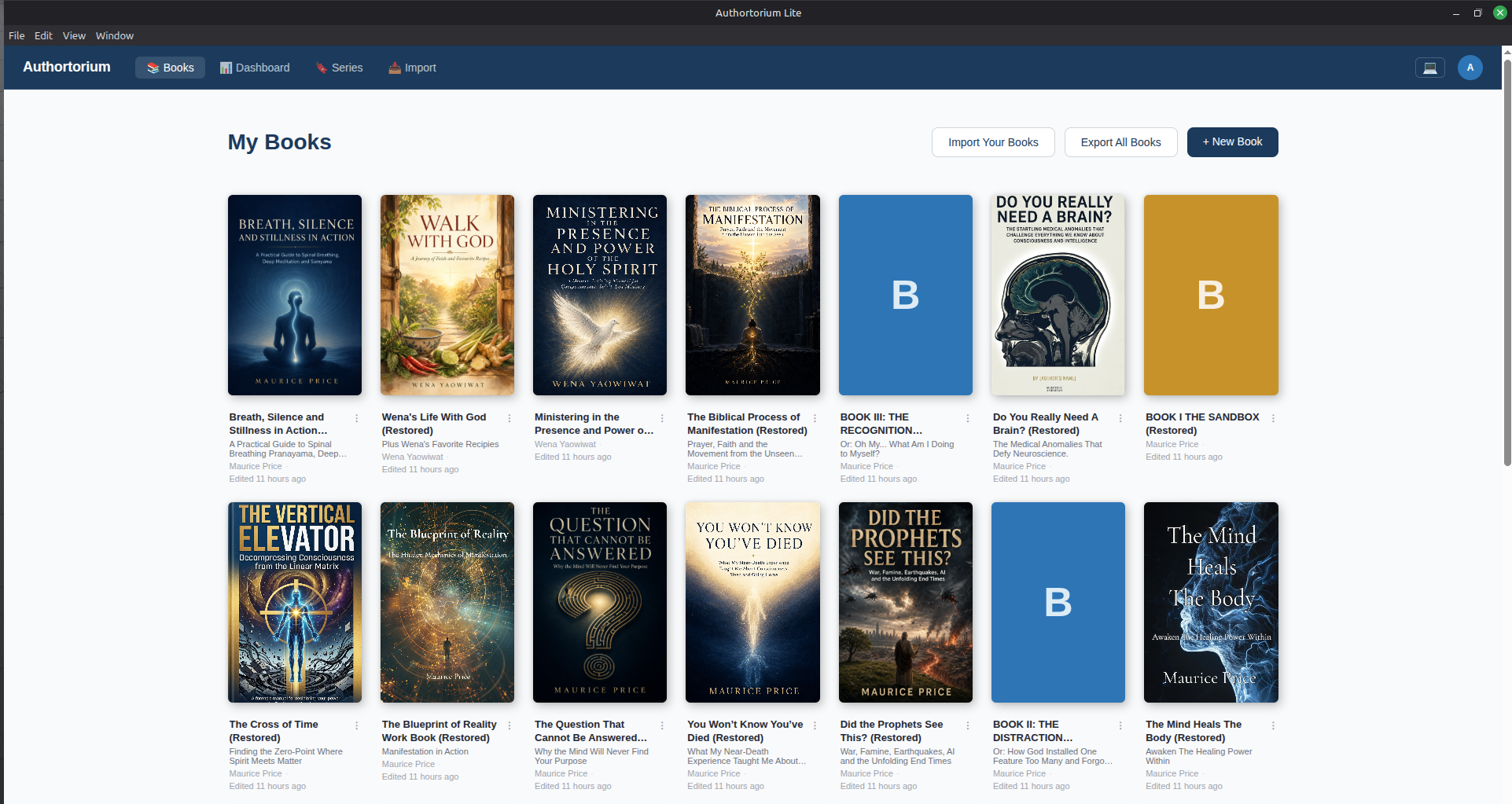
Your daily word count, chapter and book totals, and the books you've most recently touched — all on one screen, updated the moment you open the app.

Every book you're writing, in one shelf
Library

Every book you're writing, in one shelf

Browse your full library as covers, jump straight into any book, or start a new one. Nothing paginated behind a subscription tier — your whole catalogue is always one click away.

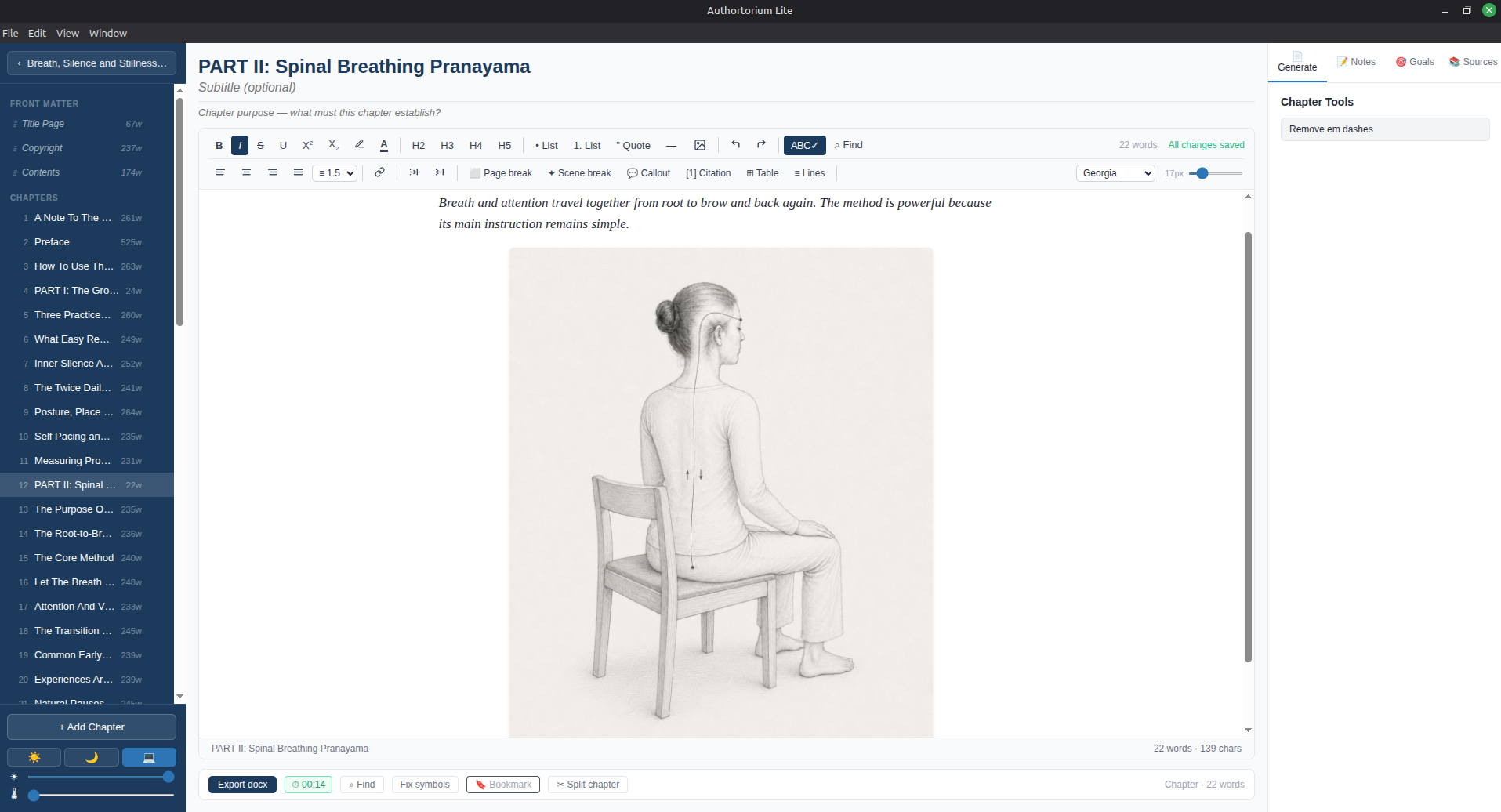
A focused writing surface, chapter by chapter
Editor

A focused writing surface, chapter by chapter

Rich text, reference images, per-chapter notes and goals, and a live word count — without the AI suggestions and cloud chrome of the full Authortorium editor.

Bring what you've already written
Import

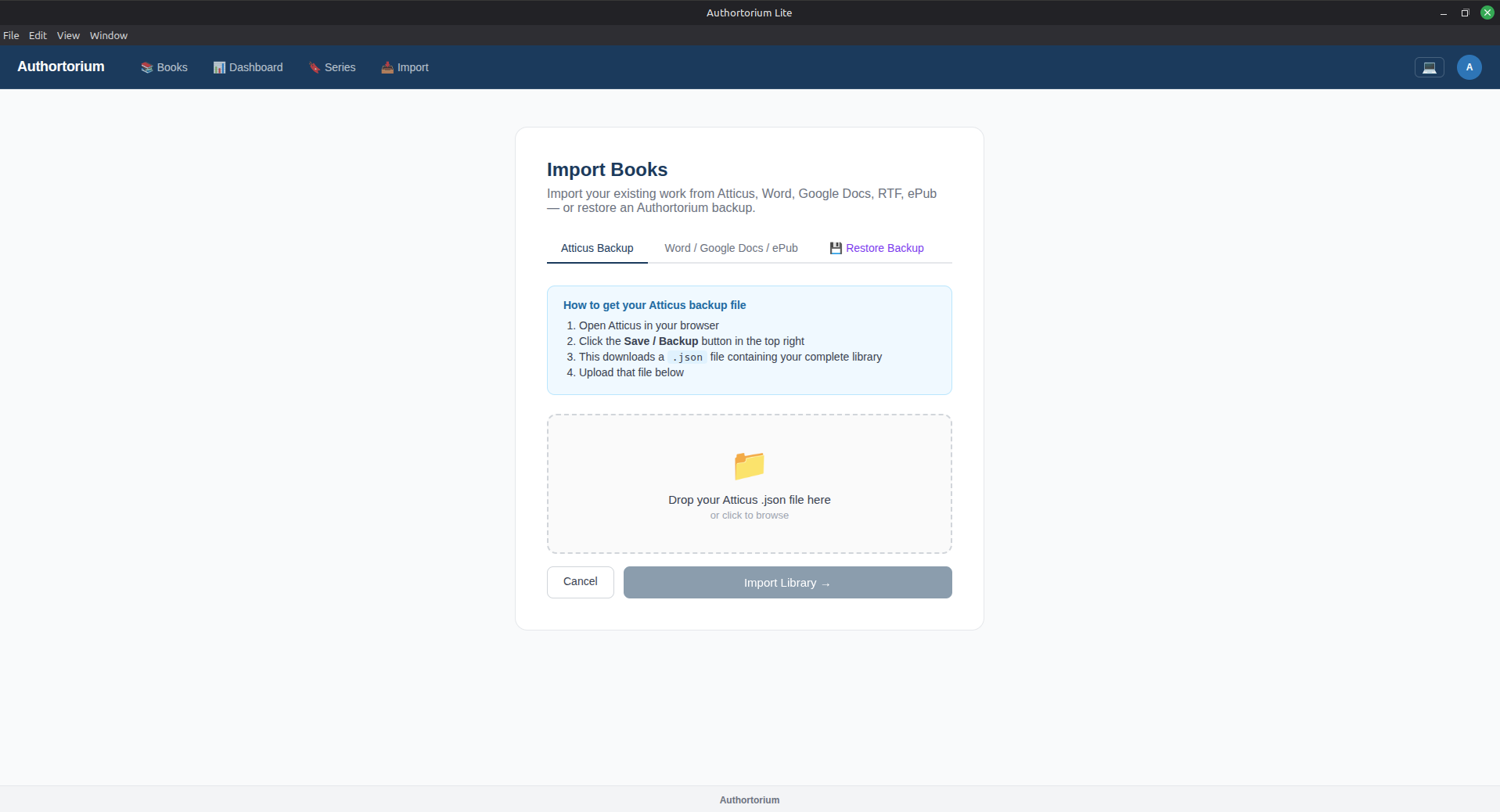
Bring what you've already written

Already drafting elsewhere? Import a backup from Atticus, or bring in Word, Google Docs, RTF, or ePub files directly — your existing manuscript becomes an Authortorium book in a few clicks.

Go straight from draft to publish-ready file
Export

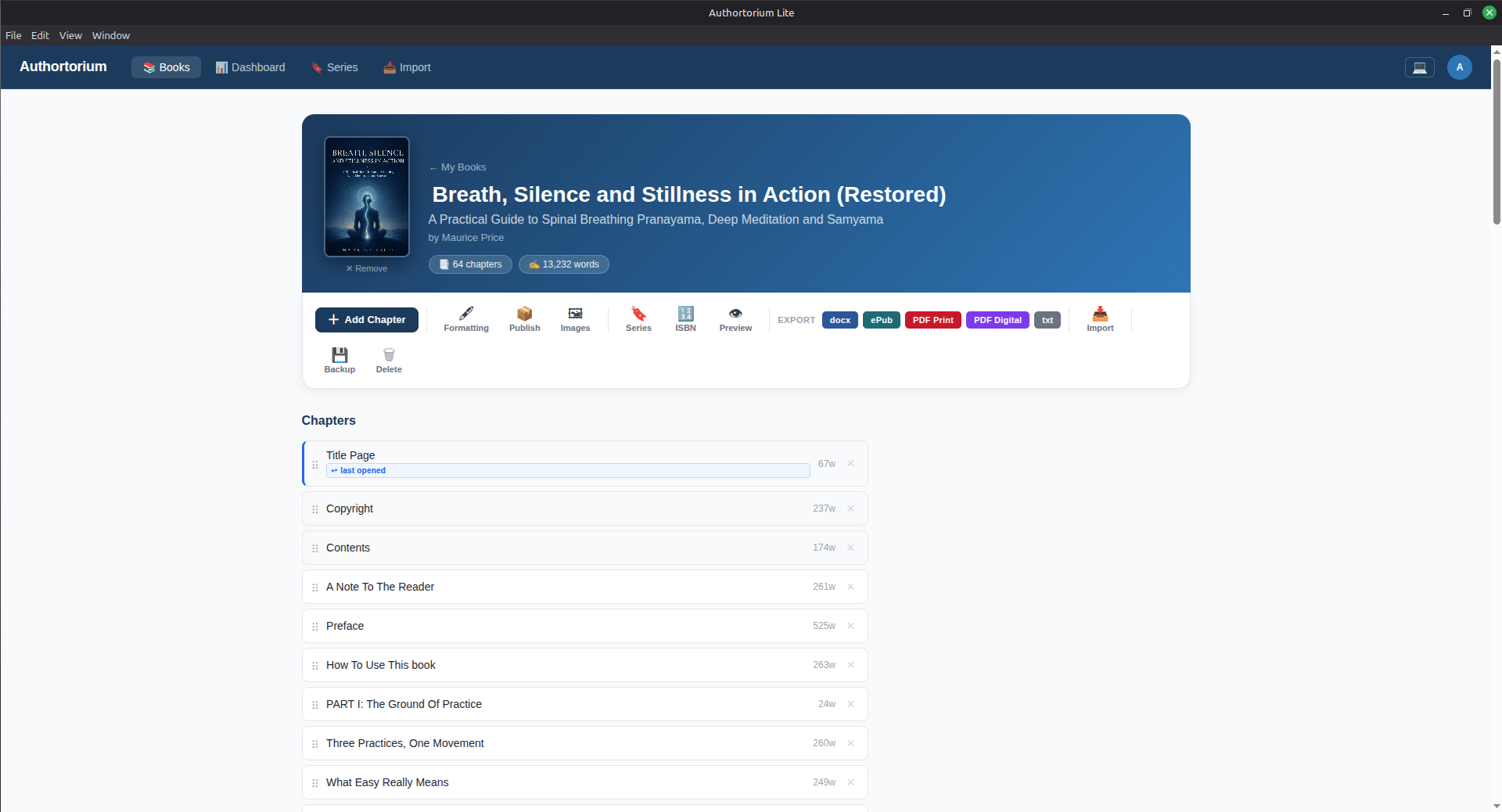
Go straight from draft to publish-ready file

Export to DOCX, ePub, print-ready PDF, or digital PDF from the book page — plus ISBN assignment and series management for when you're ready to publish.

Lite, or the full platform?

Lite is a deliberately smaller tool. If you outgrow it — you want an AI co-writer, cloud sync across devices, or to sell books directly — that's what Authortorium.com is for.

Authortorium Lite
Authortorium
Where it runs
Your computer (desktop app)
The cloud, from any browser
Cost
Free
Subscription
Account required
No
Yes
AI writing assistance
None
Built in
Users per book
Single user
Collaborators & teams
Formatting & export
PDF, ePub, DOCX, print-ready
Publish & sell
Export publish-ready files yourself
Publish and sell in one place

Start writing today

No installer wizard, no account screen — download, run, and your library opens straight to the dashboard. v1.0.0, all platforms.

macOS

Apple Silicon (M1–M4) or Intel.

First launch

  1. 1. Unzip and drag the app into Applications
  2. 2. Right-click the app → Open (it's unsigned, so a plain double-click is blocked once)
  3. 3. Click Open again in the confirmation dialog

Windows

Windows 10 & 11, 64-bit.

First launch

  1. 1. Run the downloaded installer
  2. 2. SmartScreen may flag it as unrecognised — click "More info" → "Run anyway"
  3. 3. Follow the setup wizard; your library opens on first run

Linux

x86_64. AppImage runs anywhere; .deb for Debian/Ubuntu.

Running the AppImage

  1. 1. Right-click → Properties → allow it to run as a program (or chmod +x)
  2. 2. Double-click to launch
  3. 3. Your library is created on first run